
The Accesses Submenu in Sevio Portal allows you to view and manage Operator access to the Router.
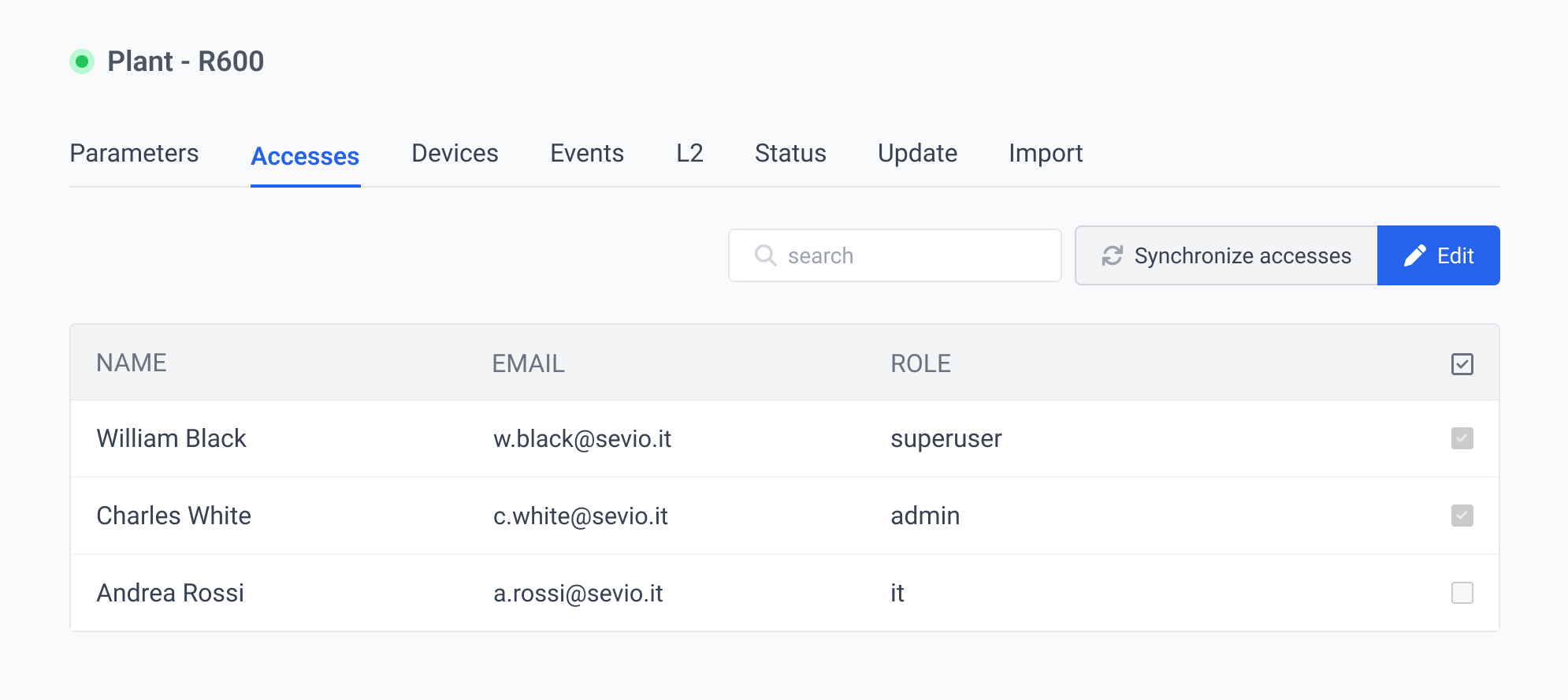
Owner and Admin Users manage access.
To manage Operator access:
- In the Devices section, select the desired Router.
- In the Access Submenu, click Edit.
- Select the Operators to grant or revoke access.
- Save.

Access Synchronization
In the event of Operator access errors, this feature can be used to automatically verify and update the LAN permissions of the Device.
This operation clears configuration discrepancies and re-establishes correct access privileges.