The Personal Area in Sevio Portal allows you to manage your User information and settings:
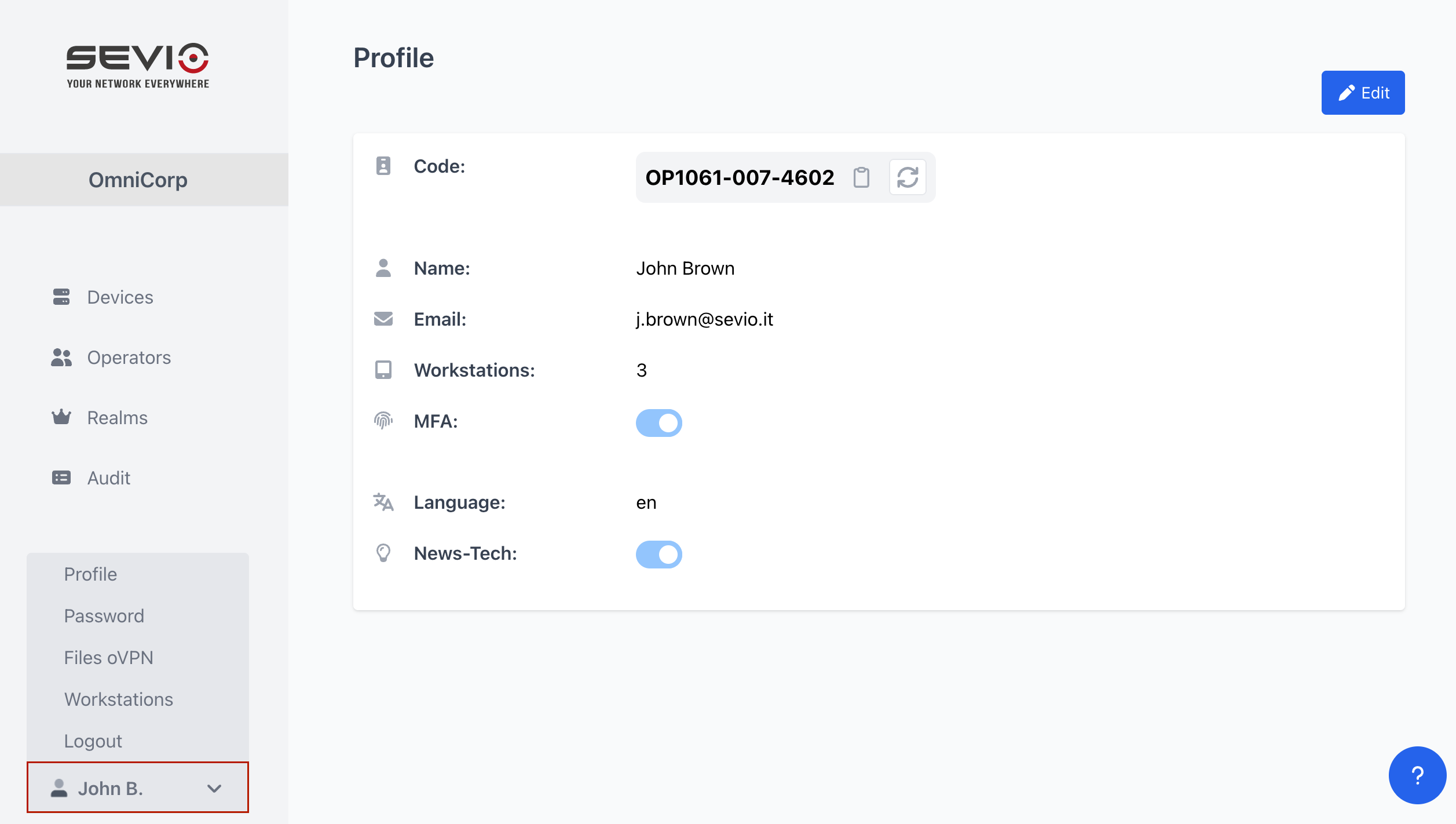
The Personal Area of Sevio Portal provides access to the following sections:

| Code | One-shot code that Sevio Support may request when providing assistance. | |
| Personal Data | User's First and Last name. | |
| Operator email address. | ||
| Workstations | Number of Workstations. | |
| MFA | Enable or disable two-factor authentication for your Account. | |
| Language | Select the language for Sevio Portal. | |
| News-Tech | Enable or disable consent for receiving News-Tech updates. It is recommended to enable News-Tech to stay informed about Sevio System updates. |

This section allows you to change your Operator password. For further details, please refer to the Operator password article.

Section dedicated to OpenVPN configuration files, required to establish a secure connection between the Workstation and the Sevio concentrators.
For further details, please refer to the OpenVPN article.
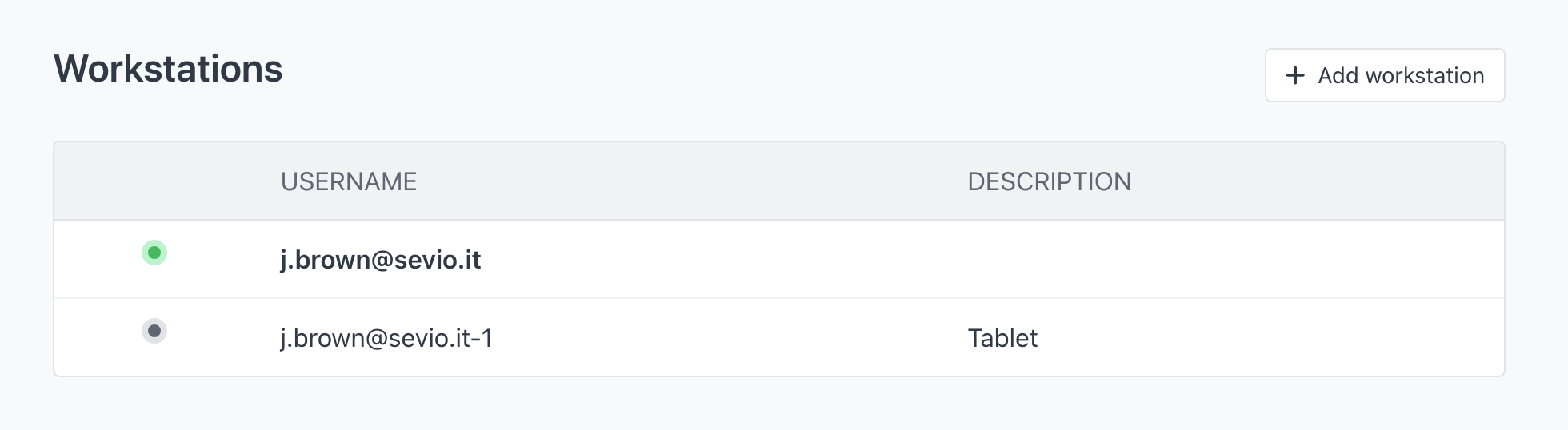
Manage your Workstations in this section. You can add, modify, or delete Workstation credentials.
For further details, please refer to the Workstation management article.
Procedure for securely closing the Web Application.