The Sevio System allows Operators to interact with remote Devices using their usual programming software on personal devices (PC, tablet, or smartphone), as if they were directly connected to the local network.
Workstations can be enabled to use the Sevio System through Sevio Client or OpenVPN.
OpenVPN usage
When using OpenVPN instead of Sevio Client, please follow these guidelines:
Operators with access to multiple Realms must select the desired Realm via email during connection.

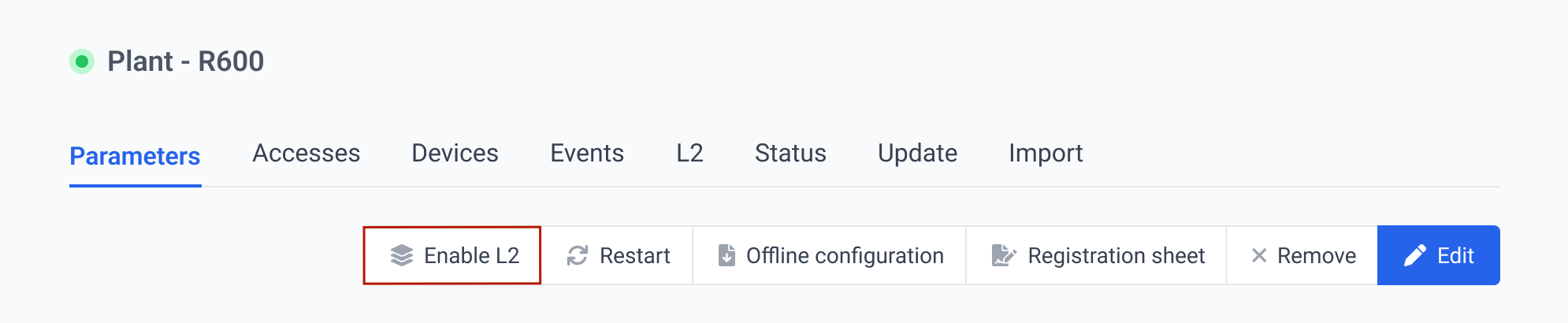
The Layer 2 connection, managed through OpenVPN, should be enabled and disabled using the dedicated button located in the Devices section > Parameters Submenu of the Sevio Portal.